How to Generate Keyword Ideas From One Seed via API in 2026
You know the topic you want to rank for. You do not know all the ways people actually search for it. That gap is where most keyword research starts, and it usually means opening an ad platform, poking at autocomplete, and copying terms into a spreadsheet by hand.
The faster version is to hand a machine one word and let it come back with the related searches, each one already tagged with how many people look for it, what advertisers pay, and how hard it is to rank. That is exactly what the Keyword Ideas endpoint does. You send a seed, you get a ranked list of ideas with the numbers that decide what to write next.
This tutorial walks through POST /v1/keyword-ideas from the first call to a real content plan.
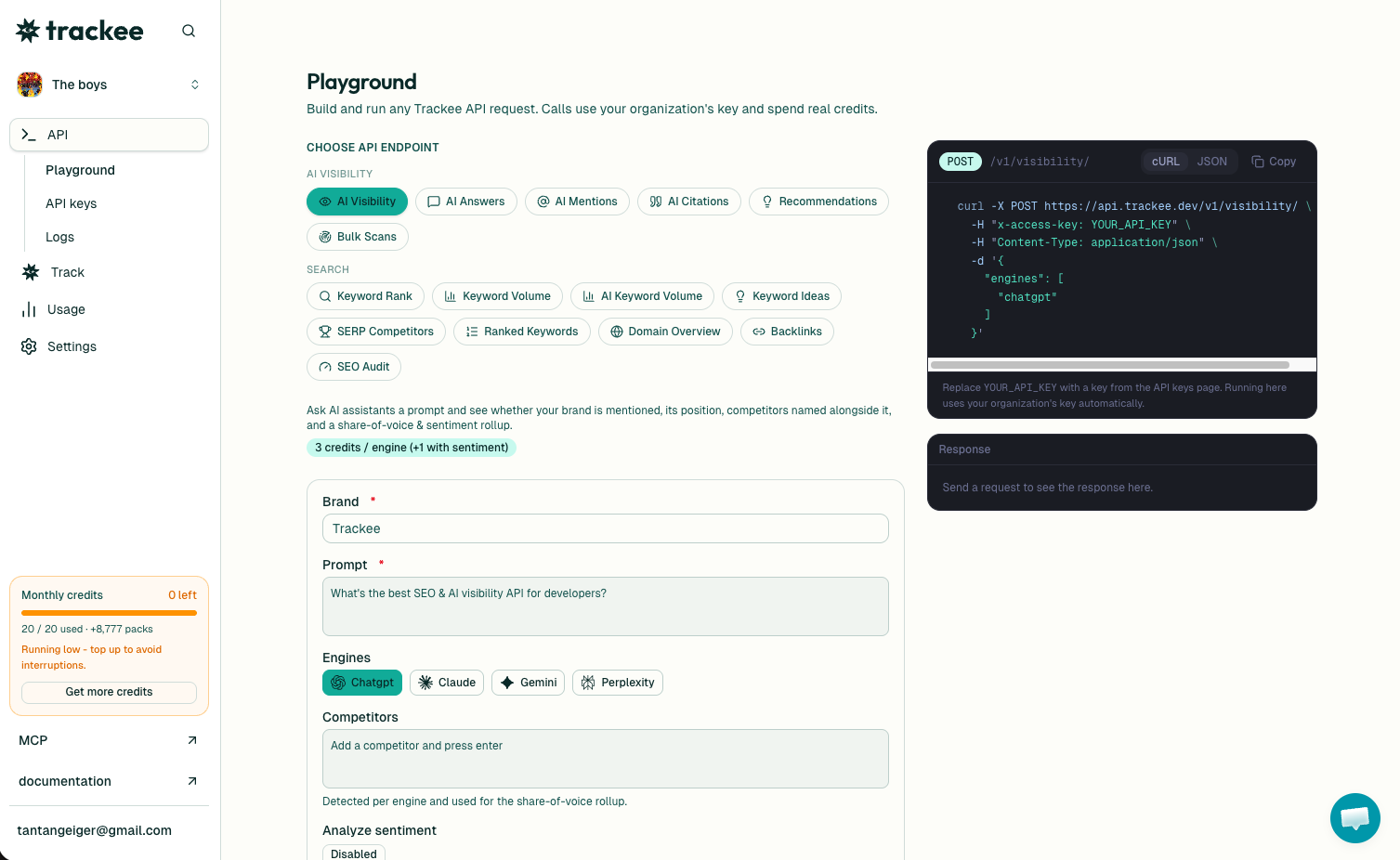
If you want to see the shape of the output before touching code, run a seed through the free keyword ideas generator in your browser. Same data, no key required, good for a sanity check before you wire anything up.
What you need
Three things get you to your first call:
- A free Trackee account. The free plan covers every example here.
- An access key from your dashboard.
- The
x-access-keyheader on every request.
No SDK, no OAuth, no approval queue.
Step 1: Get your API key
Sign in to your dashboard and open the API keys section. Create a key and copy it somewhere safe, since the full value only shows once.
Every request sends that key in the x-access-key header. Keep it server-side and out of any client code, same as any other secret.
Step 2: Send a seed keyword
Here is a full request. Swap YOUR_API_KEY for the key you just made.
curl -X POST https://api.trackee.dev/v1/keyword-ideas \
  -H "x-access-key: YOUR_API_KEY" \
  -H "Content-Type: application/json" \
  -d '{
    "keyword": "crm software",
    "limit": 5
  }'
The keyword is your seed. The limit caps how many ideas come back, up to 100 per call. Here is the response:
{
  "success": true,
  "credits": { "charged": 3, "remaining": 4997 },
  "data": {
    "seed": "crm software",
    "mode": "suggestions",
    "location": "United States",
    "language": "English",
    "total": 3680,
    "ideas": [
      {
        "keyword": "crm software for small business",
        "volume": 33100,
        "cpc": 38.4,
        "competition": "MEDIUM",
        "competition_index": 53,
        "search_intent": "commercial"
      }
    ]
  }
}
Each request costs 3 credits no matter how high you set the limit, so pulling 5 ideas and pulling 100 cost the same. credits.remaining is your balance after the call.
Step 3: Read the numbers
Every entry in ideas carries the same fields, and each one answers a different question.
keywordis the related search Trackee found from your seed. "crm software for small business" is a phrasing you might not have thought to target on your own.volumeis monthly searches. 33,100 people a month look up "crm software for small business", so it is worth a page.cpcis what advertisers pay per click. A high number like 38.4 means the term has buyers behind it, which is a strong hint the intent is commercial.competitionandcompetition_indexgrade how hard the term is to rank for, as a label and as a 0 to 100 score. MEDIUM at 53 is contestable.search_intenttells you what the searcher wants: commercial, informational, transactional, or navigational.
At the top level, total is how many ideas exist for the seed. In the example that is 3,680, so limit is your page size into a much bigger pool. seed, mode, location, and language come back echoed so you know exactly which market the numbers describe.
Choose how the seed expands
By default the endpoint runs in suggestions mode, which returns keywords that contain your seed phrase. That is the most on-topic set, so a seed like "crm software" comes back as "crm software for small business" and "best crm software", not loosely related terms. For most content planning that is what you want.
When you need to cast wider, pass a mode:
suggestions(default) returns keywords that contain the seed phrase. Best for staying on-topic.relatedreturns searches Google considers semantically related, even when they do not contain the seed. Good for finding adjacent angles.ideasreturns a broad, category-based set. Widest reach, least precise, useful for early brainstorming.
curl -X POST https://api.trackee.dev/v1/keyword-ideas \
  -H "x-access-key: YOUR_API_KEY" \
  -H "Content-Type: application/json" \
  -d '{
    "keyword": "crm software",
    "mode": "related",
    "limit": 25
  }'
Step 4: Scope it to a market
Volume and competition mean nothing if they are measured in the wrong country. Add location and language to the body and everything comes back scoped to that market.
curl -X POST https://api.trackee.dev/v1/keyword-ideas \
  -H "x-access-key: YOUR_API_KEY" \
  -H "Content-Type: application/json" \
  -d '{
    "keyword": "crm software",
    "location": "United Kingdom",
    "language": "English",
    "limit": 25
  }'
Run the same seed across your two or three biggest markets and you often find the popular phrasing shifts by region. That is the difference between writing for how people search where you sell and writing for how you assume they search.
Turn ideas into a content plan
A flat list of keywords is not a plan. The search_intent field is what turns it into one.
Group the ideas by intent. Informational terms map to guides and explainers that pull people in early. Commercial and transactional terms map to comparison pages, pricing pages, and product content that catches people ready to buy. Navigational terms usually mean someone already knows a brand, so skip those unless the brand is yours.
Then sort each group by volume against competition. High volume and low competition is where you start. High volume and high competition is a longer play you plan around, not something you chase on day one. That ordering is your publishing calendar, built from one seed word.
If you already have a list of keywords and just want the metrics on them rather than discovering new ones, that is the Keyword Research API instead. Pair the two: use Keyword Ideas to find terms, use Keyword Research to score a list you built by hand. To go one level deeper on a single term, the Keyword Search Volume tutorial covers pulling exact volume and trend for keywords you already care about.
No code needed, and many brands at once
Not every part of this has to run through code. The same keyword ideas show up in the Trackee dashboard, where you can expand a seed and read the metrics without writing a request. Agencies lean on this to manage keyword research across a whole roster of client brands from one place, instead of juggling a spreadsheet per account.
You can also skip the request entirely and ask an AI agent to do it. Trackee ships an MCP server and a coding skill, so an agent can pull keyword ideas in plain language, group them by intent, and hand you a draft plan. "Expand crm software into keyword ideas and sort them by opportunity" is a real thing you can type at it.
What's next
You now have everything to expand a seed, read the metrics, scope by market, and turn the output into an ordered content plan.
A few good next steps:
- Read the Keyword Ideas API page for the full parameter list and response fields.
- Browse the API reference for the neighboring keyword and rank endpoints.
- Start on the free plan and upgrade when your volume grows.
Pick the one word your business is built around, run it through the endpoint, and sort the result by volume against competition. The first three rows are usually pages you should have written months ago.