How to Schedule Recurring AI-Visibility Scans via API in 2026
A single AI-visibility check tells you one thing: whether ChatGPT, Claude, Gemini, and Perplexity mention your brand right now. That is a snapshot. It is useful, but it has no memory. You cannot see a trend in one data point.
The questions that actually matter are about movement. Did your brand start showing up for "best invoicing software" this month? Did a competitor push you out of Gemini's answer last week? None of that shows up in a one-off check. You need history, and history means running the same prompts over and over on a schedule.
You could script a cron job that calls the visibility endpoint every night. Or you can create a tracker once and let Trackee do it. A tracker points at a saved brand, replays its prompts across every tracked engine on a cadence you set, and saves a snapshot each run. That history is what powers timelines, alerts, and recommendations later.
This tutorial walks through the POST /v1/trackers endpoint end to end.
Snapshot vs history
A visibility check runs your prompts once and returns whether each engine mentioned you, at what position, and who got named alongside you. Trackee saves that as one snapshot per engine. That is the "right now" view.
A tracker turns that one check into a feed. Same brand, same prompts, run again tomorrow and the day after. Each run appends fresh snapshots. Stack up two weeks of them and you have a line you can read: share of voice climbing, a competitor appearing, a prompt where you dropped off entirely.
Want to feel the difference first? Run a free AI visibility check in your browser. That is one snapshot, no account needed. A tracker is that same check on repeat, saved to your history.
What you need
Two things:
- A free Trackee account with an access key. The free plan has enough credits to test this.
- A saved brand with at least one prompt attached, so the tracker has something to re-run.
Every request sends your key in the x-access-key header. Keep it server-side.
Step 1: Create a tracker
Here is the full call. Swap YOUR_API_KEY for your key and BRAND_ID for the id of the brand you want to track.
curl -X POST "https://api.trackee.dev/v1/trackers" \
  -H "x-access-key: YOUR_API_KEY" \
  -H "Content-Type: application/json" \
  -d '{ "brandId": "BRAND_ID", "name": "Daily scan", "intervalMinutes": 1440 }'
The response confirms the tracker and its schedule:
{
  "success": true,
  "data": {
    "id": "6a8d87...",
    "brandId": "6a8d87...",
    "name": "Daily scan",
    "intervalMinutes": 1440,
    "enabled": true,
    "lastRunAt": null,
    "nextRunAt": null,
    "runCount": 0,
    "createdAt": "2026-08-25T12:17:03.616Z"
  }
}
That is it. The tracker is live. From here Trackee re-runs the brand's prompts across every engine you track, on the cadence you set, with no further calls from you.
Step 2: Read the response fields
Every field earns its place:
idis the tracker's own id. Save it, since you need it to pause, re-time, delete, or run the tracker on demand.brandIdis the brand this tracker replays.nameis a label for your own sanity when you have a lot of them.intervalMinutesis the cadence. 1440 is daily.enabledtells you the tracker is active. Flip it off to pause without deleting.lastRunAtandnextRunAtarenullhere because it has not run yet. They fill in after the first run.runCountstarts at 0 and ticks up with every scan, so you can see how much history you have built.createdAtis the timestamp it was set up.
Picking a cadence
intervalMinutes is exactly what it sounds like. Set it to how often you want a fresh snapshot.
- 1440 for daily. Good default for a brand you care about.
- 10080 for weekly. Fine for slower-moving or lower-priority brands.
- Anything down to 60. That is the floor, one run per hour.
There is a real tradeoff, and it is about cost. More frequent runs mean more snapshots, a smoother trend line, and faster alerts. They also cost more credits, since every run scans your prompts across every engine. Daily is the sweet spot for most brands. Reserve hourly for launches or a live reputation issue where you need to catch a change fast.
What a run costs
Creating and managing trackers is FREE. You can spin up a tracker, rename it, pause it, re-time it, or delete it and never spend a credit on any of that.
The runs are what cost. Each scheduled scan spends 3 credits per engine per prompt, the exact same rate as a manual visibility check. So a brand with 5 prompts tracked across 4 engines costs 60 credits per run, and on a daily cadence that is 60 credits a day. Multiply by your prompt count and engine count and you can budget a tracker before you ever turn it on.
Because the pricing is per run, cadence is your main cost lever. Halving the frequency halves the spend. Check the pricing page for what the free plan covers.
Run it now, or pause it
The schedule is not the only way to trigger a scan. If you just published something and want a fresh reading immediately, enqueue an on-demand run using the id from step 1:
curl -X POST "https://api.trackee.dev/v1/trackers/6a8d87.../run" \
  -H "x-access-key: YOUR_API_KEY"
That adds one immediate scan on top of the schedule. Same cost as any other run. And when you do not need a tracker for a while, disable it instead of deleting so you keep the history you have already built.
What the history unlocks
The snapshots are the point. Once a tracker has been running for a bit, that history feeds two things you cannot get from a single check.
Alerts watch the timeline and tell you when something moves: a competitor enters an answer, your mention rate drops, a prompt you used to win goes quiet. The AI Visibility Alerts API turns that history into notifications so you are not manually diffing snapshots every morning.
Recommendations read the same history and suggest what to fix. Which prompts you are losing, which engines ignore you, where a small content change might move the needle. The AI Recommendations API is built on the trend data your trackers produce.
Neither works on a single snapshot. Both get sharper the longer your trackers run, which is the real argument for setting one up today.
No code? Use the dashboard
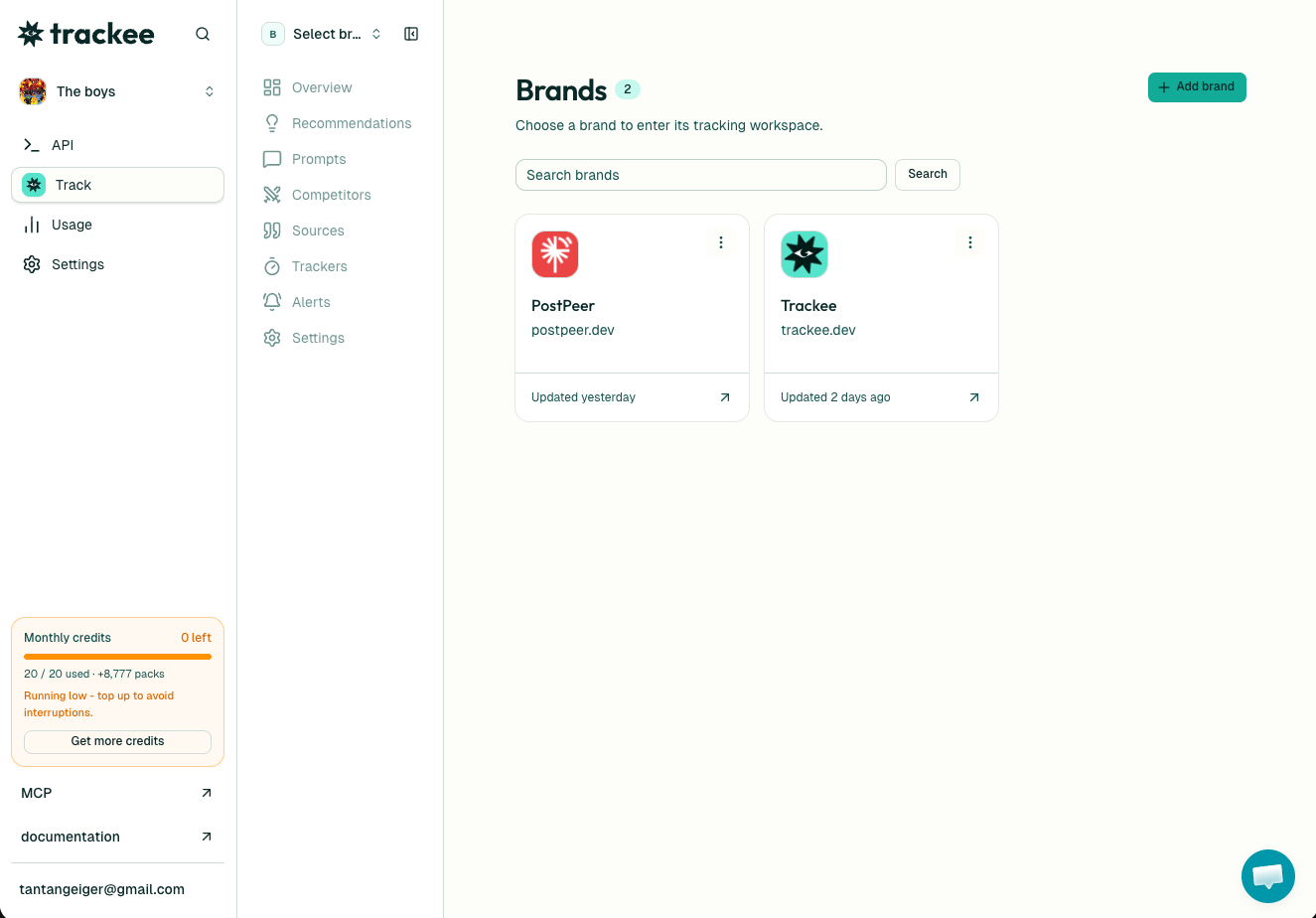
If you would rather not touch the API, the dashboard does all of this in the UI. Add a brand, pick a cadence, and it schedules the runs for you. Agencies lean on this to set a tracker per client brand and watch every one from a single Brands view, no scripts to maintain.
And if you work with AI agents, Trackee ships an MCP server and a coding skill, so an agent can create and manage trackers in plain language without you writing the request by hand.
What's next
You can now schedule recurring scans, tune the cadence to your budget, and trigger a run on demand.
A few good next steps:
- Read the full Trackers API page for the pause, re-time, and delete calls.
- Browse the API reference for the visibility, alerts, and recommendations endpoints.
- If you have not tracked a brand yet, start with how to track brands with the Trackee API, then point a tracker at it.
Set up one tracker on your most important brand today. In two weeks you will have a trend line you could never have built by checking by hand.