How to Scan a Brand's Entire Prompt Set in One Job in 2026, via API
Checking one prompt against one engine tells you almost nothing. You care whether your brand shows up across the 20 or 30 questions your buyers actually ask, on ChatGPT, Claude, and Gemini. That's a grid. And if you run it one call at a time, you're firing off dozens of requests, tracking which finished, and stitching the results back together yourself.
Trackee's Bulk Scans endpoint turns that whole grid into a single background job. You submit your prompts and engines once, get back a scan id, and poll until it's done. This tutorial walks through the submit-then-poll pattern end to end.
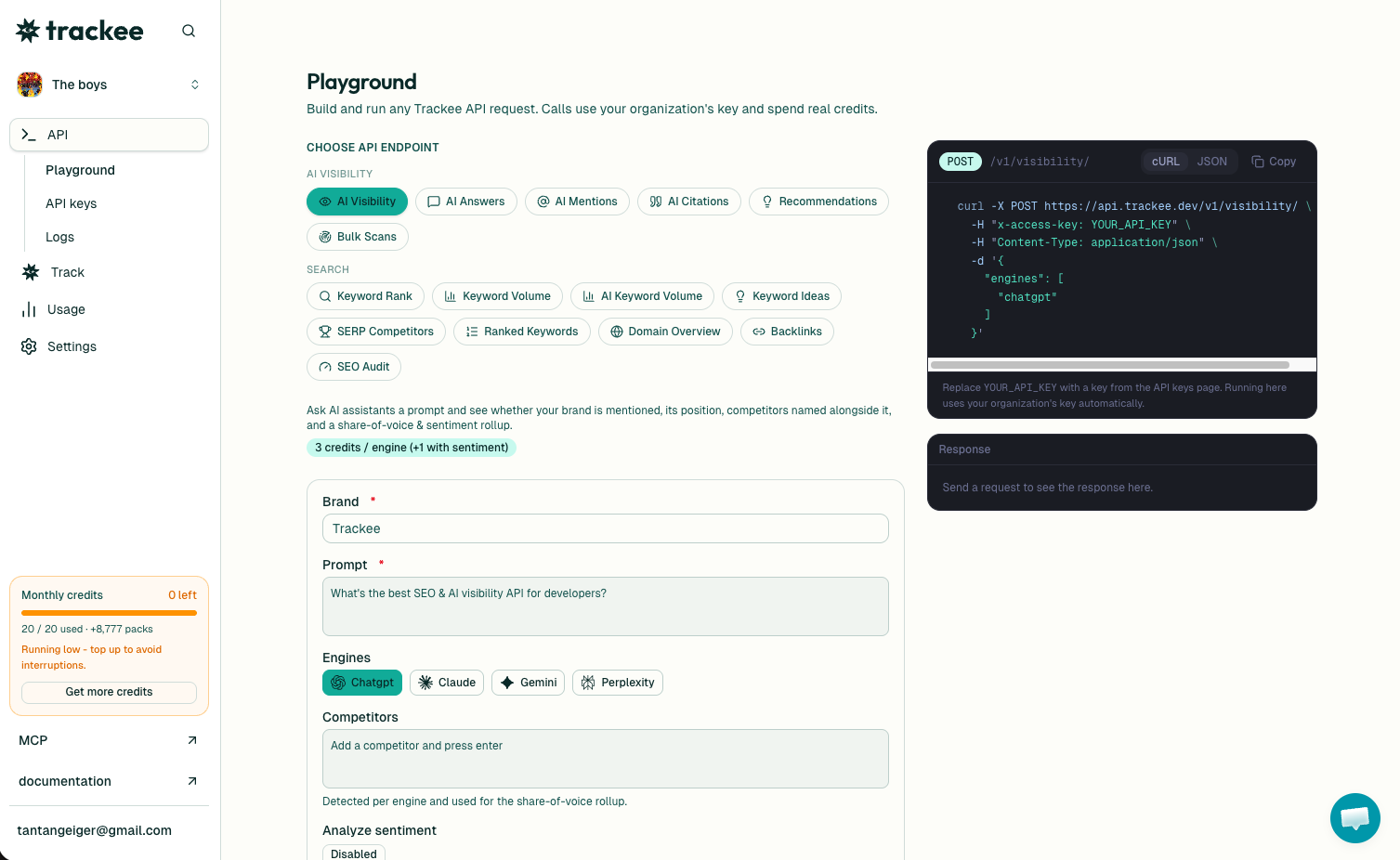
If you want to feel the idea before writing any code, run one prompt through the LLM prompt tester. It's free and in the browser. Bulk Scans is that same check, but across your full prompt set and every engine at once.
Why one big job beats many small calls
Say you have 10 prompts and 3 engines. That's 30 checks. Each AI answer takes real time to generate, so running them synchronously means waiting on all 30 back to back, hoping nothing times out.
A scan flips that around. You hand Trackee the entire grid, it registers all 30 as background tasks, and returns immediately with an id. The work happens on our side. You just check in on it.
This is also the difference between watching one prompt and understanding a brand. The AI visibility picture only makes sense across every prompt and engine together, not one lonely data point.
What you need
Three things to make your first call:
- A free Trackee account. The free plan has enough credits to test this.
- An access key from your dashboard.
- The
x-access-keyheader on every request.
No SDK, no OAuth. Keep the key on your server and out of client-side code.
Step 1: Submit the scan
Send your brand, the prompts you care about, and the engines to run them on. Here's a full request. Swap YOUR_API_KEY for your real key.
curl -X POST https://api.trackee.dev/v1/scans \
  -H "x-access-key: YOUR_API_KEY" \
  -H "Content-Type: application/json" \
  -d '{
    "brand": "Polar",
    "domain": "polar.sh",
    "prompts": ["best merchant of record", "stripe alternatives"],
    "engines": ["chatgpt", "gemini"]
  }'
Two prompts times two engines is four checks. The response comes back right away:
{
  "success": true,
  "credits": { "charged": 20, "remaining": 4980 },
  "data": {
    "id": "scn_123",
    "status": "pending",
    "progress": { "total": 4, "completed": 0, "failed": 0, "pending": 4 },
    "done": false
  }
}
Notice what did NOT happen here. You didn't get any results back. The POST doesn't run the checks and wait. It registers them and returns.
Here's what each field means.
credits.charged is 20 because this scan is four checks at 5 credits each. You're billed upfront, when the scan is submitted, not per poll. credits.remaining is your balance after.
Inside data, id is the scan id you'll poll with. Save it. status is pending because nothing has finished yet. progress breaks down the grid: total is 4, and all 4 are still pending. done is false, which is your signal to keep checking.
Step 2: Poll for results
Now you take that id and call GET on it. Each poll advances the scan and returns the current status, progress, and any per-check results that have finished.
curl https://api.trackee.dev/v1/scans/scn_123 \
  -H "x-access-key: YOUR_API_KEY"
Early on, you'll see partial progress. Some checks done, some still running:
{
  "success": true,
  "data": {
    "id": "scn_123",
    "status": "pending",
    "progress": { "total": 4, "completed": 2, "failed": 0, "pending": 2 },
    "done": false
  }
}
Two of four finished, two to go, done still false. Wait a couple seconds and poll again. Keep going until done is true. That's the whole loop.
You don't need anything fancy to drive it. Poll every few seconds, stop when done flips:
until curl -s https://api.trackee.dev/v1/scans/scn_123 \
  -H "x-access-key: YOUR_API_KEY" | grep -q '"done":true'; do
  sleep 3
done
When every check has landed, status reads completed, progress.completed equals progress.total, and each check carries its own result: whether your brand was mentioned, its position, the competitors named alongside it, and the sources cited. That's your full grid, answered.
Which engines and what it costs
Scans run on the async-capable engines: ChatGPT, Claude, and Gemini. Perplexity has no async mode, so for that one use the AI Visibility API directly.
Pricing is simple. 5 credits per check, where a check is one prompt on one engine. So 10 prompts across 3 engines is 30 checks, or 150 credits. Turn on sentiment and it's 1 extra credit per check. You're charged when you submit, so the number in credits.charged is the total for the whole scan.
Do it without code
Not everyone wants to write a polling loop. The same scan runs from the Trackee dashboard, where you pick a brand, paste your prompts, choose engines, and watch results fill in. Agencies lean on this when onboarding a new client: point a scan at the brand, and you get their whole AI visibility baseline in one pass instead of babysitting one prompt at a time.
If you'd rather have an AI agent run it, Trackee ships an MCP server and a coding skill. You can ask an agent to "scan Polar across ChatGPT and Gemini for these prompts" in plain language and it handles the submit-and-poll for you.
What's next
You now have the submit-then-poll pattern down: POST to create the scan, save the id, GET until done.
A few good next steps:
- Read the full Bulk Scans API page for every parameter and response field.
- Browse the API reference for the rest of the endpoints.
- Start on the free plan and scale up when your grid grows.
Pick your 15 most important buying prompts, submit them as one scan across all three engines, and let it run. The gaps in the results are your AEO roadmap.