How to Find Your SERP Competitors via API in 2026
Your real competitors in search are whoever ranks for your keywords. That is not always the same list of companies you think about in meetings. The startup you consider your rival might not rank for anything, while a review site or a forum thread you have never heard of sits at the top of every result you care about.
Finding those domains by hand is tedious. You search each keyword, write down who shows up, then tally the domains across every search to see who appears most often. Do that for a few dozen keywords and you have spent an afternoon on data entry.
Trackee does the tally for you. You send a list of keywords, it looks at who ranks for each one in Google, and it hands back the domains ranked by how much of those results they own. This tutorial walks through the Competitors endpoint end to end.
Want to see it before writing any code? Paste a domain into the AI competitor finder and get the list in your browser, free.
What you need
You need three things to follow along:
- A free Trackee account
- An access key from your dashboard
- The
x-access-keyheader on every request
That is the whole setup. No SDK, no OAuth dance, no waiting for a crawl to finish.
Step 1: Get your API key
Sign in to your Trackee dashboard and open the API keys section. Create a key and copy it somewhere safe. You will pass it as the x-access-key header on every call.
If you have used other Trackee endpoints, it is the same key. One key works across the whole API.
Step 2: Discover competitors
Send a POST request to the competitors endpoint with the keywords you want to analyze. Here is a full example that asks for the top 5 competitors on two CRM keywords:
curl -X POST https://api.trackee.dev/v1/competitors \
  -H "x-access-key: YOUR_API_KEY" \
  -H "Content-Type: application/json" \
  -d '{ "keywords": ["crm software", "best crm"], "limit": 5 }'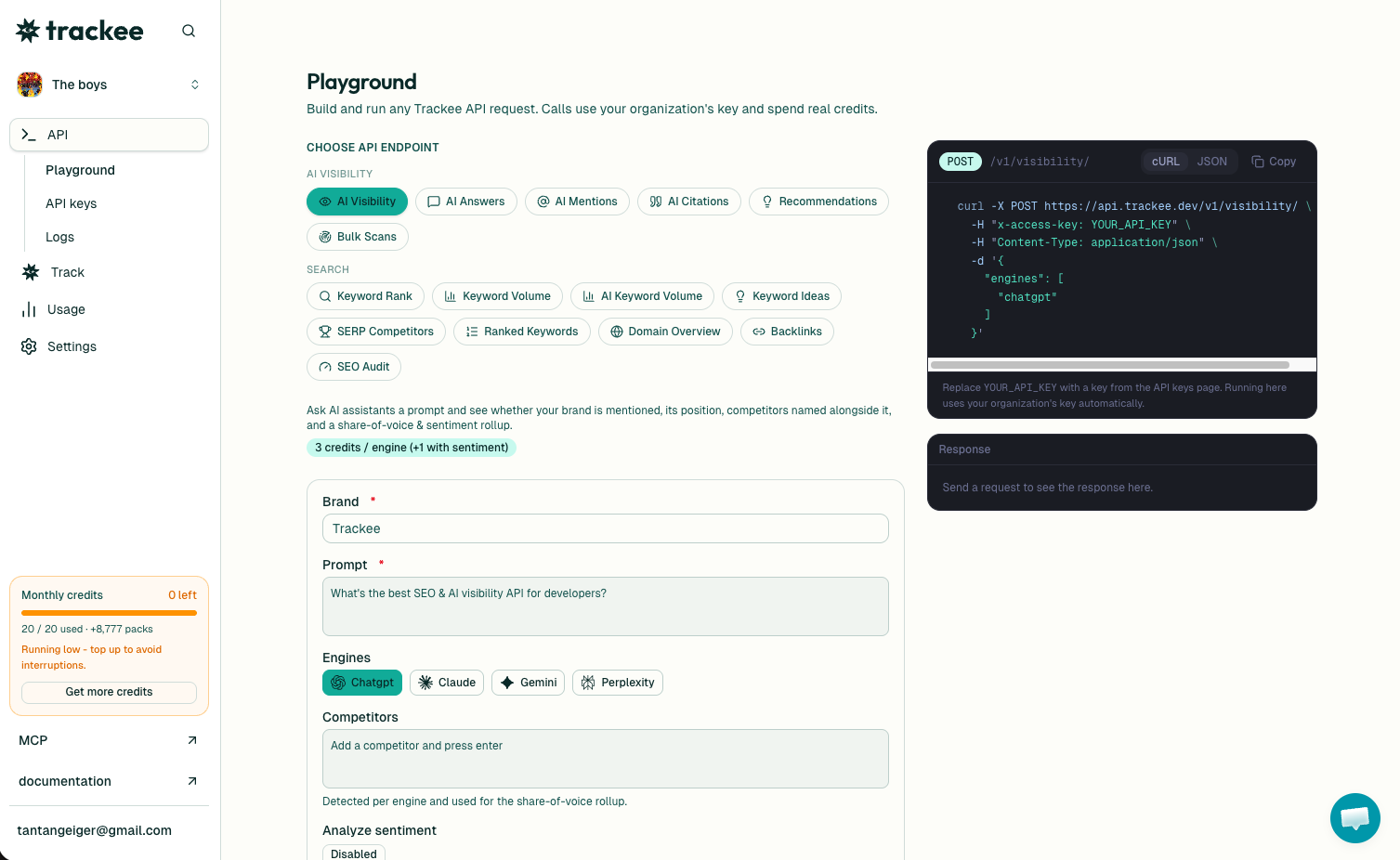
If you would rather not touch curl, an AI agent can pull the same data for you. Trackee ships an MCP server so you can ask for competitors on a keyword set in plain language and get the ranked list back.
The response looks like this:
{
  "success": true,
  "credits": { "charged": 5, "remaining": 4995 },
  "data": {
    "keywords": ["crm software", "best crm"],
    "location": "United States",
    "total": 63,
    "competitors": [
      {
        "domain": "www.g2.com",
        "avg_position": 4,
        "visibility": 0.7,
        "etv": 191.11,
        "keywords_count": 1
      }
    ]
  }
}
Here is what each field means.
total is the number of distinct domains Trackee found ranking across all your keywords. In this example, 63 different domains showed up somewhere in the results for "crm software" and "best crm" combined. The limit you send controls how many of those you get back, not how many exist.
Inside competitors, each entry describes one domain:
domainis the site that ranks, exactly as it appears in Google, sowww.g2.comand a bareg2.comare treated as they show up in the SERP.avg_positionis the average rank that domain holds across the keywords it appears for. Lower is better, so an average of 4 means it usually sits near the top of page one.visibilityis a score from 0 to 1 for how much of the visible results that domain owns across your keyword set.etvis the estimated traffic value, roughly the dollar value of the organic traffic that domain pulls from these keywords if it had to buy the same clicks through ads.keywords_countis how many of your submitted keywords that domain ranks for.
Each request costs 5 credits regardless of how many keywords or how large a limit you send. The credits block in the response tells you what you were charged and what you have left, so you never have to guess.
Read the visibility score
The list comes back sorted by visibility, and that is the number to anchor on.
Visibility measures how much of the search results a domain controls across the keywords you sent. A domain that ranks first for every keyword approaches 1.0. A domain that shows up once, near the bottom, sits close to 0. It rolls position and frequency into a single number so you can rank competitors without eyeballing a spreadsheet.
A domain with high visibility is a strong competitor whether or not you have ever thought of it that way. If a comparison site owns 0.7 of your space, it is intercepting your buyers before they reach you, and no amount of ignoring it changes that.
Pair visibility with etv to gauge stakes. Visibility tells you who is winning the results. etv tells you how much that winning is worth in traffic. A domain that is high on both is where the money and the attention are going, and that is who you study first.
Send the right keyword cluster
The competitor picture is only as good as the keywords you send. Two keywords give you a sketch. Fifteen to twenty keywords that define your category give you a real map.
Think about the terms a buyer types across their whole journey, not just your single money keyword. For a CRM tool that might look like:
- "crm software"
- "best crm"
- "crm for small business"
- "sales crm"
- "crm with email marketing"
- "hubspot alternative"
Keep the cluster tight and on topic. If you mix "crm software" with "project management tool" in one request, you blur two different sets of competitors together and the visibility scores stop meaning much. Run separate requests for separate spaces, then compare the lists.
More relevant keywords mean more overlap to measure, which means the domains that consistently outrank you rise to the top instead of hiding behind a single lucky ranking.
From competitors to a plan
Knowing who ranks is step one. The next question is where you stand against them.
Once you have your competitor list, check your own keyword rankings for the same terms. That tells you whether you are on page one next to G2 or buried on page four where nobody clicks. The gap between your average position and theirs is your to-do list.
Then look at what they rank for that you do not. Run a keyword gap analysis to pull the terms driving their traffic so you can find the topics worth writing about. If you want the full picture on a single competitor, see how to find what a domain ranks for via API. Competitors show you who to beat. The gap shows you where the open ground is.
Together those two calls turn a list of domains into a content and ranking plan you can actually work through.
What's next
You now have a repeatable way to find the domains competing for any set of keywords, ranked by how much of the results they own.
- Read the full SERP Competitors API page for parameters and options
- Browse the API reference for every endpoint and field
- Start on the free plan and run your first competitor check today
Send your keyword cluster, read the visibility scores, and build from there.