LLM Query Volume: Measuring AI Search Demand via API
More people are asking ChatGPT their questions instead of typing them into Google. That shift is real, but most keyword tools still only count Google searches. So you end up planning content around one demand curve while a second one grows quietly next to it, invisible.
The problem is you cannot see inside an assistant. When someone asks Claude "what's the best crm software," there is no Search Console for that. You have no idea how many people ask the same thing, or whether that question is getting more popular month over month.
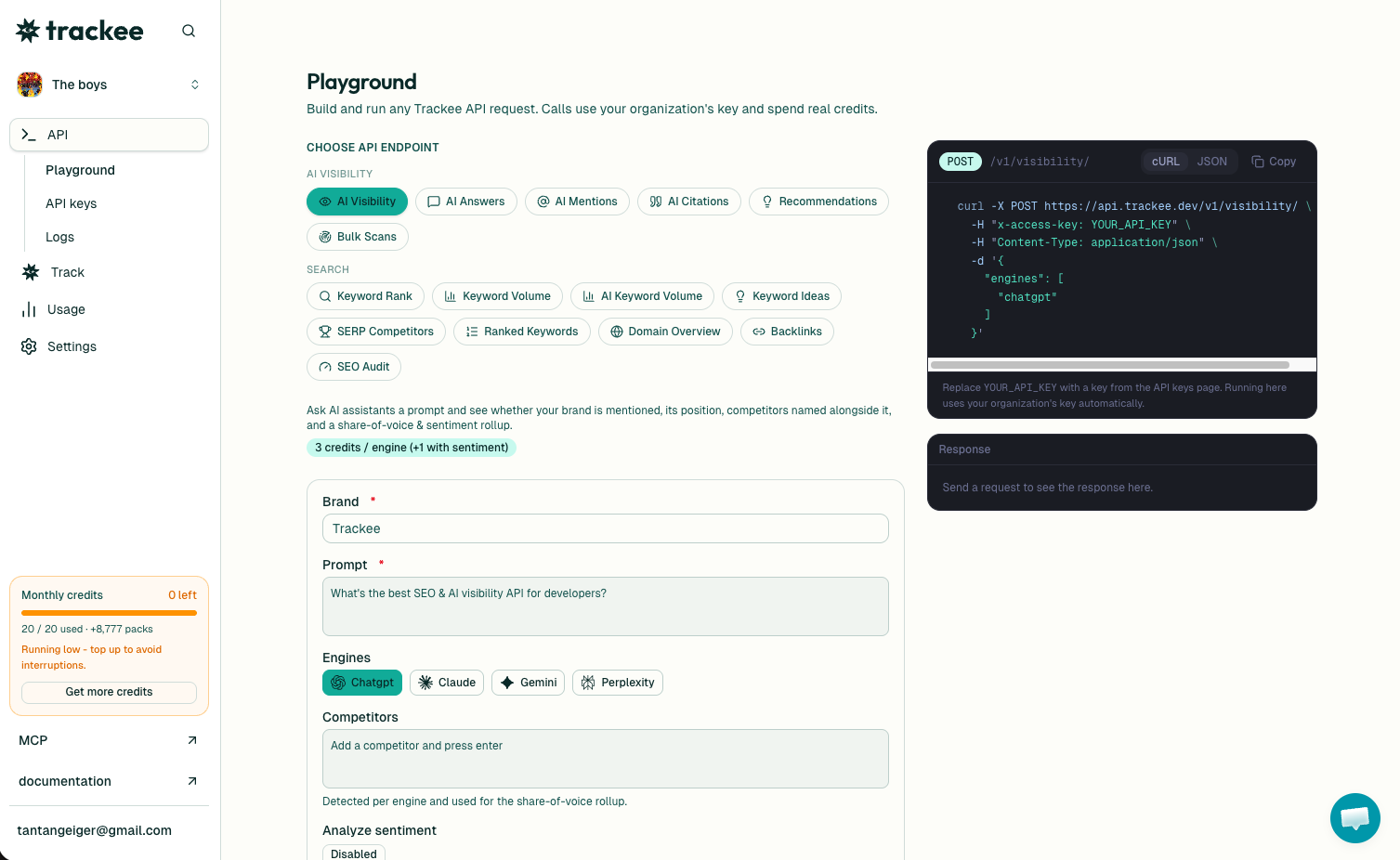
Trackee gives you that number. Send a list of keywords and it returns how often each one is searched inside AI assistants, plus a monthly trend so you can tell rising demand from fading demand. This post walks through the POST /v1/ai-keyword-volume endpoint end to end.
Why AI volume is not Google volume
A Google search and a question to an assistant are different behaviors, so they produce different numbers.
Google searches lean toward short, transactional phrases. People type "crm software," click a few links, and decide for themselves. Assistant questions tend to be longer and more decision-shaped. People ask an assistant to compare, recommend, or explain, and they often take the answer as-is.
That means a keyword can be huge on Google and quiet inside assistants, or the reverse. If you plan only from Google volume, you miss the questions people now hand straight to a model, and those are exactly the moments where the model decides which brands to name.
Want to eyeball a keyword before writing any code? Drop one into the AI search volume checker. It runs in the browser, no key needed, and it is a quick way to see whether a topic has real AI demand.
What you need
Three things, and setup takes a minute:
- A free Trackee account. The free plan has enough credits to run every example here.
- An access key from your dashboard.
- The
x-access-keyheader on every request.
No SDK, no OAuth, no approval queue.
Step 1: Get your API key
Sign in to your dashboard and open the API keys section. Create a key and copy it right away, since the full value only shows once.
Every request sends that key in the x-access-key header. Keep it on your server, not in client-side code.
Step 2: Pull AI search volume
Here is a full request. Swap YOUR_API_KEY for your own key. You send an array of keywords, up to 100 in a single call.
curl -X POST https://api.trackee.dev/v1/ai-keyword-volume \
  -H "x-access-key: YOUR_API_KEY" \
  -H "Content-Type: application/json" \
  -d '{
    "keywords": ["crm software", "email marketing"]
  }'
The response comes back like this:
{
  "success": true,
  "credits": { "charged": 4, "remaining": 4996 },
  "data": {
    "location": "United States",
    "language": "English",
    "keywords": [
      {
        "keyword": "crm software",
        "ai_search_volume": 1074,
        "trend": [
          { "year": 2026, "month": 7, "ai_search_volume": 1074 },
          { "year": 2026, "month": 6, "ai_search_volume": 1064 }
        ]
      }
    ]
  }
}
Reading the response
Start at the top. success confirms the call went through. credits.charged is the cost, and credits.remaining is your balance after. Pricing is 2 credits per keyword, so the two-keyword request above charged 4. That makes cost easy to predict before you send a big batch.
data echoes back the location and language the volume was scoped to, so you always know which market the numbers belong to.
Then keywords is the array, one entry per term you asked for. Each entry has:
keywordis the term, echoed back so you can match results to your input.ai_search_volumeis how many times that keyword was searched inside AI assistants for the month. For "crm software" it is 1074.trendis the monthly history for that keyword, newest month first. Each point has ayear, amonth, and theai_search_volumefor that month.
The trend is where the real signal lives. A single volume number tells you how big a topic is right now. The trend tells you where it is going. In the example, "crm software" moved from 1064 in June to 1074 in July, so demand is inching up. Read a few months back and you can spot a topic that is climbing fast before it peaks.
Turning volume into a content plan
A number alone does not write anything. Here is how to actually use it.
Pull your full topic list in one batch and sort by ai_search_volume. The terms at the top are what people ask assistants most, so those are the pages worth writing or refreshing first. High AI volume is a strong hint that an answer engine will pull from your content if you have any worth pulling.
Then look at the trend on each one. A keyword with a flat or falling trend is fine to cover, but a keyword climbing month over month is a better bet, because you are getting in early. Sort your roadmap by direction, not just size.
Now pair it with Google. The two demand curves rarely match, and the gaps are the interesting part. For the contrast in the other direction, our guide on how to get keyword search volume via API covers Google volume for the same terms. Run both, put them side by side, and you find topics with big AI demand but weak Google demand. Those are the pages classic keyword tools would tell you to skip. They are often the ones worth writing.
Skip the code
If you would rather not touch an API, the same data lives in the Trackee dashboard. You can check AI volume from the Brands view without writing a request, which is how a lot of agencies run this across many client brands from one place.
You can also let an AI agent do it. Trackee ships an MCP server and a coding skill, so you can ask an agent in plain language to pull AI volume for a topic list and hand back the sorted result. The agent page has the setup.
What's next
You can now pull AI search volume for any keyword, read its monthly trend, and batch up to 100 terms at once.
Good next steps:
- Read the full AI Keyword Volume API page for every parameter and response field, including location and language scoping.
- Browse the API reference for the rest of the endpoints.
- Start on the free plan and upgrade when your query volume grows.
Take your ten most important topics, run them through the endpoint, and sort by trend. The keywords climbing fastest are the ones to write this quarter.