How to See What ChatGPT, Claude, Gemini and Perplexity Say About Anything in 2026, via API
Buyers are asking AI what to use before they ever hit Google. Someone types "best crm software" into ChatGPT, reads the answer, and picks from the three names it lists. If your brand is not one of them, you never even got a shot.
So the question is simple. What does each model actually say when someone asks about your market? And which sources is it pulling from to decide?
The slow way is to open four tabs, paste the same prompt into ChatGPT, Claude, Gemini and Perplexity, and eyeball the differences. It works once. It does not work when you want to check twenty prompts, or re-check them next week to see what moved.
Trackee turns all of that into one API call. You send a prompt, pick your engines, and get back each model's full answer plus the URLs it cited. This walks through the POST /v1/prompts/run endpoint from first request to reading the response.
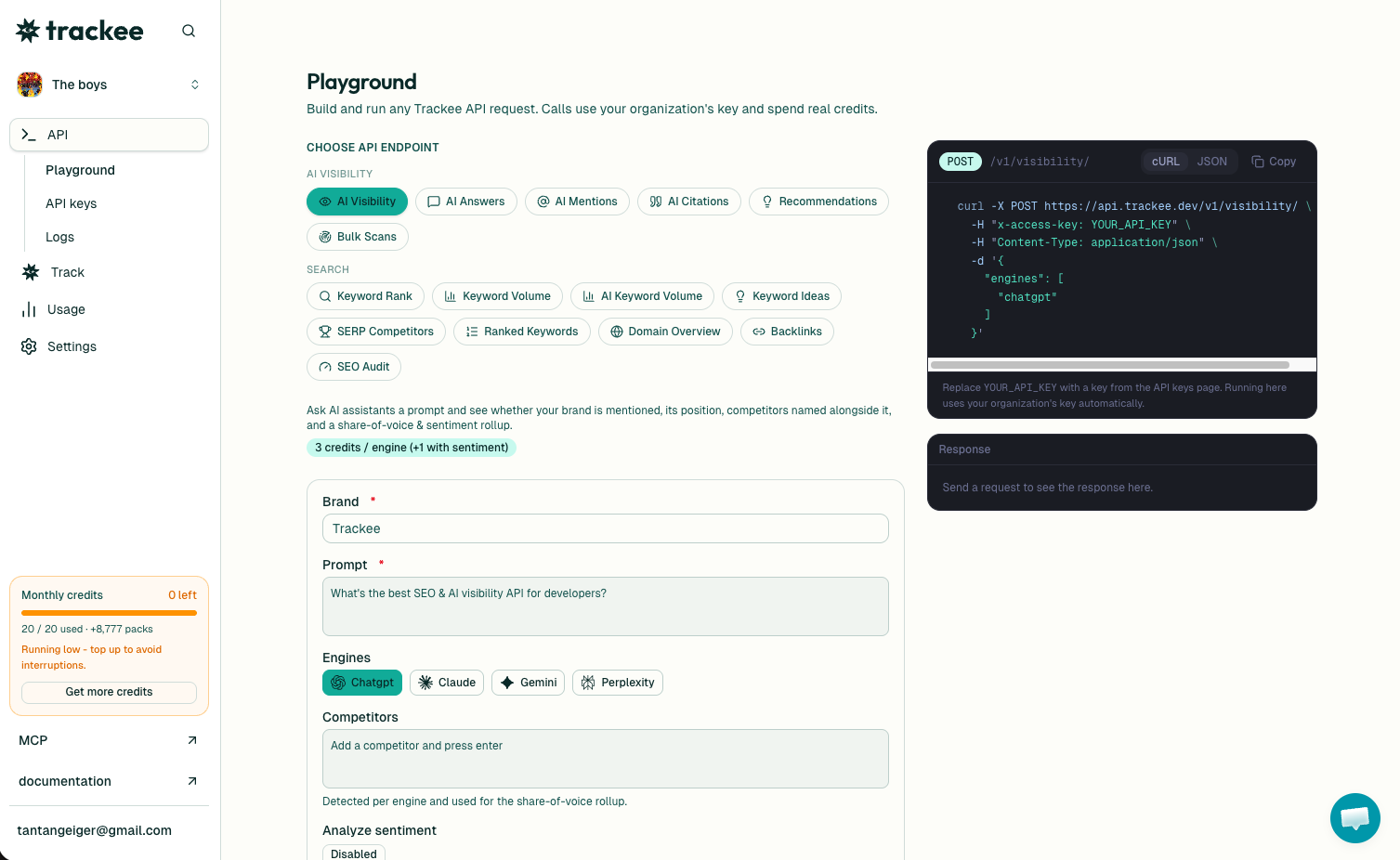
Try it with no code first
If you just want to see what the models say before writing anything, use the free LLM Prompt Tester. Type a prompt, pick your engines, and read the answers side by side in the browser. No key, no setup.
When you want to run this on a schedule or across a list of prompts, that is where the API comes in.
What you need
Three things to make your first call:
- A free Trackee account. The free plan has credits to test every example here.
- An access key from your dashboard.
- The
x-access-keyheader on every request.
No SDK, no OAuth. You keep the key on your server and send it as a header.
Step 1: Get your API key
Sign in to your dashboard and open the API keys page. Create a key and copy it somewhere safe, since the full value only shows once.
Every request sends that key in the x-access-key header. Treat it like any other secret and keep it out of client-side code.
Step 2: Run a prompt across engines
Here is a full request. Swap YOUR_API_KEY for your key. The engines array is where you pick which models to ask.
curl -X POST https://api.trackee.dev/v1/prompts/run \
  -H "x-access-key: YOUR_API_KEY" \
  -H "Content-Type: application/json" \
  -d '{
    "prompt": "What are the best CRM software tools?",
    "engines": ["chatgpt", "perplexity"]
  }'
The response comes back like this:
{
  "success": true,
  "credits": { "charged": 6, "remaining": 4994 },
  "data": {
    "prompt": "What are the best CRM software tools?",
    "results": [
      {
        "engine": "chatgpt",
        "model": "gpt-4o-mini",
        "answer": "There are several excellent CRM tools...",
        "sources": []
      },
      {
        "engine": "perplexity",
        "model": "sonar",
        "answer": "The best CRM software tools include...",
        "sources": ["https://www.salesforce.com/crm/best-crm/"]
      }
    ]
  }
}
Reading the response
success tells you the call went through. credits.charged is what this call cost, and credits.remaining is your balance after. Pricing is 3 credits per engine, so the two-engine call above charged 6. Ask all four and it is 12. You always know the cost before you send it.
Inside data, the prompt is echoed back, which helps when you are logging a batch of calls.
results is the interesting part. One entry per engine you asked, and every entry has the same shape:
engineis which model answered, likechatgptorperplexity.modelis the exact underlying model, so you know if it wasgpt-4o-miniorsonar.answeris the full text the model returned. This is the thing people read and act on.sourcesis the array of URLs the model cited. Empty here for ChatGPT, one link for Perplexity.
Because every result is that same shape, storing them is easy. Drop each answer and sources pair into your database keyed by prompt and date, and you have a record of how each model talked about your market over time.
Getting cited sources
Notice ChatGPT's sources came back empty above while Perplexity returned a link. That is the default behavior. Perplexity browses the web and cites by default. The others only cite when you turn web search on.
Set web_search to true and the engines that can browse will return the URLs they pulled from:
curl -X POST https://api.trackee.dev/v1/prompts/run \
  -H "x-access-key: YOUR_API_KEY" \
  -H "Content-Type: application/json" \
  -d '{
    "prompt": "What are the best CRM software tools?",
    "engines": ["chatgpt", "claude", "gemini", "perplexity"],
    "web_search": true
  }'
The sources array is where the real work happens. Those URLs are the pages shaping what the model says about your category. If the same three domains keep showing up across every engine, those are the pages you want to be on or mentioned in. That is the whole game behind answer engine optimization, and it starts with seeing the citations.
Why run all four at once
Each model has read different things and phrases answers differently. ChatGPT might list five tools, Gemini three, Perplexity might lead with the one you compete against. Sending the same prompt to all four in one call lets you diff them directly instead of trusting whatever one model happens to say.
Run it across the prompts your buyers actually ask, "best crm for small teams", "notion alternatives", "cheapest email tool", and you get a map of how AI describes your market. The prompts where you are missing are your gaps.
No code, and many brands at once
Not everyone wants to write curl. The same thing runs in the dashboard, where you type a prompt, pick engines, and read the answers in a table. Agencies use the Brands view to run these checks across every client account in one place instead of juggling separate logins.
If you have an AI agent doing the work, Trackee ships an MCP server and a coding skill so the agent can pull this data in plain language. You can tell it "ask every model what they say about our brand and list the sources" and it makes the call for you. More on that on the agent page.
AI Answers vs AI Visibility
Quick note so you pick the right endpoint. AI Answers returns the raw answer text and sources, with no brand matching. You build on the output however you want.
If instead you want a yes-or-no on whether a specific brand got mentioned, that is the AI Visibility API, which runs the prompt and checks for your name. Answers gives you everything the model said. Visibility gives you the scorecard.
What's next
You can now run any prompt across all four models, get their full answers, and pull the sources they cited.
Good next steps:
- Read the full AI Answers API page for every parameter and field.
- Browse the API reference for the other endpoints.
- Start on the free plan and upgrade when your volume grows.
Take the five questions a buyer would ask AI before choosing a tool like yours. Run them through the endpoint. Read what four models say back. That first pass tells you exactly where you stand in AI answers today.