How to Size Up Any Domain's SEO in One API Call in 2026
You want to know how big a domain is in organic search. Not one keyword, not one page. The whole thing. How many terms it ranks for, roughly how much traffic that pulls in, and whether those rankings are stacked at the top of page one or scattered across the back pages.
Doing that by hand means pulling reports, exporting keyword lists, and adding up columns. For one domain it's a slow afternoon. For a list of ten competitors it's a week you don't have.
Trackee collapses that into a single call. You send a domain, and you get back a number-dense snapshot of its organic standing. This post walks through the POST /v1/domain-overview endpoint and shows what every number in the response actually tells you.
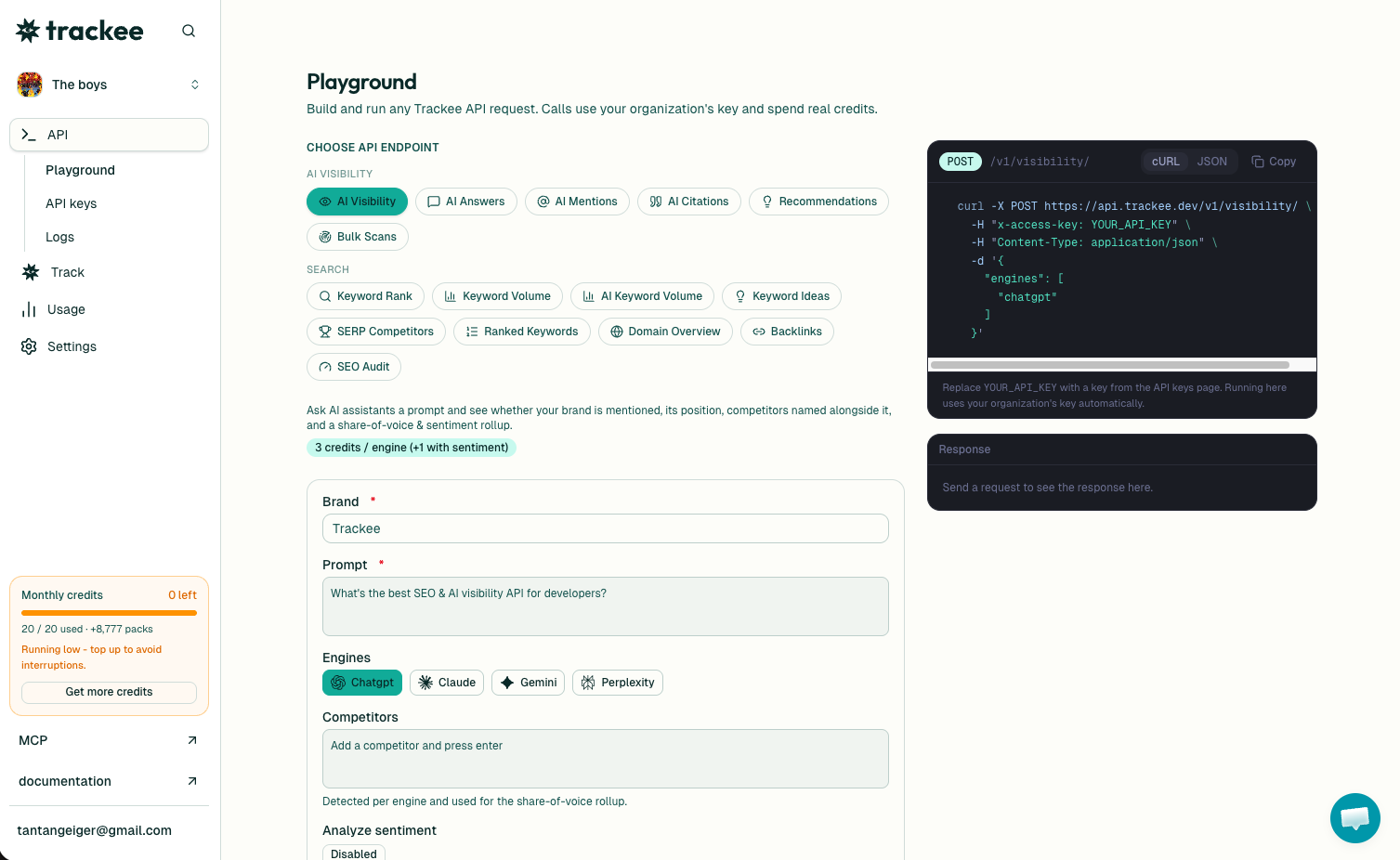
If you'd rather see it before writing any code, the free domain SEO overview tool runs the same lookup in your browser. Paste a domain, read the numbers, then come back here when you want it in a script.
What you need
Three things, and that's it:
- A free Trackee account. The free plan has enough credits to run every example below.
- An access key from your dashboard.
- The
x-access-keyheader on every request.
No SDK, no OAuth, no approval queue. If you can send a curl request, you're done.
Step 1: Get your API key
Sign in to your Trackee dashboard and open the API keys section. Create a key and copy it somewhere safe, because the full value only shows once.
Every request sends that key in the x-access-key header. Keep it server-side, the way you'd treat any other secret.
Step 2: Run the lookup
Here's a full request. Swap YOUR_API_KEY for the key you just made.
curl -X POST https://api.trackee.dev/v1/domain-overview \
  -H "x-access-key: YOUR_API_KEY" \
  -H "Content-Type: application/json" \
  -d '{ "domain": "stripe.com" }'
One field in the body. Just the domain. Here's what comes back:
{
  "success": true,
  "credits": { "charged": 5, "remaining": 4995 },
  "data": {
    "domain": "stripe.com",
    "organic_keywords": 115945,
    "organic_traffic": 3249849,
    "positions": { "top_3": 19545, "top_10": 51449, "top_20": 76343, "top_100": 90494 }
  }
}
Each lookup costs 5 credits, and credits.remaining tells you your balance right after the call. No surprise bills, no metering you have to guess at.
Reading the numbers
organic_keywords is how many terms the domain ranks for in the top 100 organic results. Stripe pulls almost 116,000. That's the raw size of its footprint.
organic_traffic is the estimated monthly organic visits, worked out from those rankings and their search volumes. It's an estimate, not a Google Analytics readout, so treat it as a size class rather than an exact count. Still, 3.2 million a month tells you plenty about how much this domain matters.
Then there's positions, which is the part people skip and shouldn't. Keyword count alone is misleading. A domain can rank for a million terms and sit on page seven for all of them. The distribution shows you where those rankings actually land:
top_3is how many keywords sit in the first three results. This is the traffic that pays. Stripe has 19,545 here.top_10is first-page rankings, 51,449 of them.top_20reaches into page two, 76,343.top_100is everything ranking at all, 90,494.
Read those as a funnel. Of ~90k ranking keywords, about 57 percent are on page one and roughly 22 percent are in the top three. That's a healthy, top-heavy profile. A weak domain shows the opposite shape: a big top_100 number and a tiny top_3, meaning it ranks for a lot but wins almost nothing.
What it's good for
The single-call format is what makes this useful at scale. Two jobs it handles well:
Competitor sizing. Run it across your rivals and compare footprints side by side. Who ranks for the most terms? Who actually owns the top three? A competitor with fewer keywords but a fatter top_3 is beating you where it counts, and this is the fastest way to see that.
Prospect research. If you sell SEO or run outreach, one call per prospect tells you whether a domain is worth your time. A site with 200 keywords and 40 in the top three is in decent shape. A site with 50,000 keywords and 30 in the top three has a real problem you can pitch a fix for.
For competitive research on the SERP itself, pair this with the SERP Competitors API to see who you're actually up against for specific queries.
Tracking how rankings move
The overview tells you where a domain stands today. The more interesting question is whether it's climbing or slipping. Store the numbers on a schedule, run the lookup weekly, and diff them. A rising top_3 count means content is landing. A falling one means someone's eating your lunch.
The aggregate is the summary. When you want the individual keywords behind these totals, the Ranked Keywords API returns the actual terms so you can see exactly which ones moved.
The no-code and agent versions
Not everyone wants to write curl. The same lookup runs in the Trackee dashboard, which is how agencies vet a stack of domains without touching an API. Paste in a client's site and a few competitors, and you've got a comparison in a minute.
You can also skip the request entirely. Trackee ships an MCP server and a coding skill, so an AI agent can pull a domain overview in plain language. Ask it to "size up these five domains and tell me which has the strongest top-3 presence" and it makes the calls and reads back the answer.
What's next
You can now pull a full organic footprint for any domain in one request, read the position distribution instead of just the keyword count, and track it over time.
A few good next steps:
- Read the Domain Overview API page for the full parameter and response reference.
- Browse the API docs for the rest of the endpoints, including ranked keywords and backlinks.
- Start on the free plan and upgrade when your volume grows.
Pick your three closest competitors, run each one through the endpoint, and line up the top_3 numbers. That comparison usually tells you more than a month of guessing.