How to Turn AI-Visibility Data Into a To-Do List in 2026, via API
Measuring your AI visibility is the easy part. You run a check, see that ChatGPT mentions you for two prompts out of ten, and Claude never brings you up at all. Then what?
That "then what" is where most people stall. You have a screen full of numbers and no clear sense of which gap to close first. Fixing the prompt where a competitor already dominates is a different job from fixing one where nobody ranks yet.
Trackee has an endpoint that does the deciding for you. You point it at a brand, and it reads all the visibility data you've already collected and hands back a ranked list of what to fix. It's the POST /v1/recommendations endpoint, and because it only reads data you already have, it's FREE.
First you collect, then you fix
This endpoint doesn't go look at ChatGPT or Claude in real time. It works off history. So before recommendations mean anything, you need snapshots on file.
There are two ways to build that history:
- Run visibility checks yourself with a brandId, so each call gets stored.
- Set up a scheduled tracker that checks your prompts on a cadence and saves every result.
If you want to see what a visibility check even looks like before writing any code, the free AI visibility checker runs one in the browser. Type a brand, pick a prompt, and watch which engines mention it. That's the raw material recommendations are built from.
Once you have a few snapshots stored against a brand, the recommendations endpoint has something to analyze. No history, no recommendations. Simple as that.
Step 1: Get your API key
Sign in to your Trackee dashboard and open the API keys section. Create a key and copy it somewhere safe, since the full value only shows once.
Every request sends that key in the x-access-key header. Keep it on your server, not in client-side code.
Step 2: Ask for recommendations
The request is short. All it needs is the ID of the brand you've been tracking.
curl -X POST https://api.trackee.dev/v1/recommendations \
  -H "x-access-key: YOUR_API_KEY" \
  -H "Content-Type: application/json" \
  -d '{ "brandId": "brnd_123" }'
Here's what comes back:
{
  "success": true,
  "data": {
    "brand": "Acme",
    "count": 3,
    "recommendations": [
      {
        "category": "missing_prompt",
        "priority": "high",
        "title": "You're absent from \"best project management tools\"",
        "detail": "AI never mentions Acme for this prompt, but Asana, Monday appear..."
      }
    ]
  }
}
No credits block on this one, because it doesn't charge you. You already paid to collect the snapshots. Reading them back is on the house.
What each field tells you
success confirms the call went through. Inside data, brand echoes the name so you know which brand you're looking at, and count is how many recommendations came back.
The real value is in recommendations. Each item has four fields.
category is the kind of problem. You'll see things like missing_prompt (a prompt where competitors show up and you don't), negative-sentiment topics, engines where you're weak, and your single biggest competitive threat.
priority is high, medium, or low. This is the whole point of the endpoint. Instead of a flat pile of issues, you get them ranked so you know what to do first.
title is the one-line version of the problem, written the way you'd say it out loud. "You're absent from 'best project management tools'" tells you exactly what's wrong without reading further.
detail is the context behind it. In the example, Acme never gets mentioned for that prompt, but Asana and Monday do. That's not just a gap, it's a gap your rivals are already filling.
Turn the list into work
The ranking makes this easy to act on. Sort by priority, take the high items, and those are your week.
A missing prompt where two competitors already appear is a content and positioning job. A negative-sentiment topic means people are getting a bad answer about you somewhere, and that's worth chasing down fast. A weak engine tells you which model to focus on next, whether that's Gemini, Perplexity, or one of the others.
The point is you stop guessing. The endpoint has already looked at every snapshot and decided what matters most.
No code? Use the dashboard
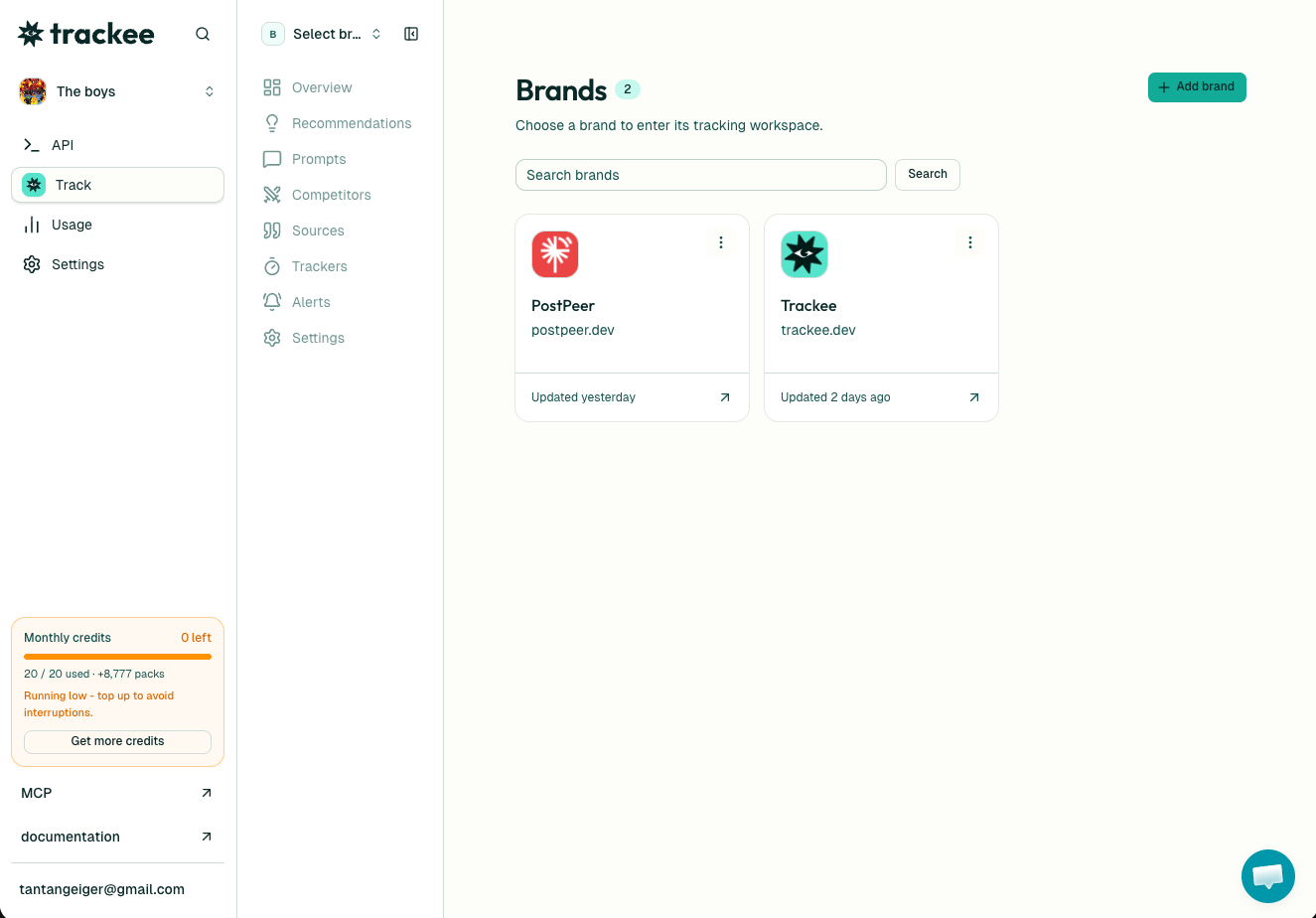
Not everyone wants to write curl commands, and you don't have to. Every brand in the Trackee dashboard has a Recommendations tab that shows this exact same ranked list in the UI.
This is where agencies live. If you're managing visibility for a dozen clients, you open each brand, check its Recommendations tab, and you have a prioritized action list per client in one place. No spreadsheet wrangling, no comparing dashboards by eye.
And if you'd rather ask an AI agent to pull this for you, Trackee ships an MCP server and a coding skill. You can tell your agent "get me the top recommendations for this brand" in plain language and it calls the endpoint for you.
The full loop
Recommendations are the last step in a cycle, not a standalone tool. Here's how the pieces fit:
- Collect data by running AI visibility checks or a scheduled tracker.
- Let the snapshots build up over a few checks so there's a trend to read.
- Call
/v1/recommendationsto turn that history into a ranked to-do list, for free.
The measuring endpoints cost credits because they do real work against the AI engines. This one is free because the work is already done.
What's next
- Read the AI Recommendations API page for the full category list and response fields.
- Browse the API reference for the visibility and tracker endpoints that build your history.
- Start on the free plan, which has enough credits to collect your first snapshots.
Pick your most-tracked brand, run the endpoint, and look at the high-priority items. That short list is usually a better roadmap than anything you'd have written by hand.